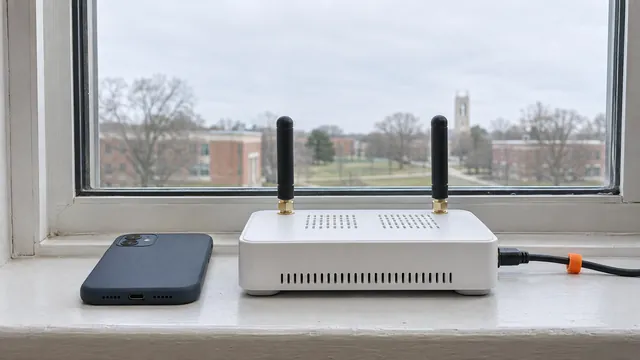
I chase invisible waves for a living, so let me open with a confession: half my workday is detective work, and the other half goes to explaining why a phone displaying four bars still delivers video calls that look like a slideshow. Curious what your phone actually knows about the signal it pulls out of thin air? Stay with me. I'll walk you through reading the genuine numbers hiding behind those cartoon bars, and how to quit guessing why your dorm room behaves like a dead zone.
Why measure at all
Two reasons, honestly. One: you're uploading a thesis draft at 2 a.m., the bar claims "full signal," and the upload crawls. You need evidence stronger than vibes. Two: this is real RF knowledge, the sort that explains why some antenna in a box fixes what your carrier won't.
What to gather before poking around
Take your phone, charged past the point of panic. Install one decent speed-test app plus one network measurement app, and I'll name names soon. Keep a notes app open for logging where you stood and when. A friend willing to hold still while you wave your phone around is handy too. Or a very patient lamp, if your friends have lives.
A crash course in the numbers your phone hides
LTE flings around a small alphabet soup of metrics, and knowing them separates "my phone feels slow" from an actual diagnosis. RSSI is the blunt instrument: total received power, noisy and fairly useless alone. RSRP is what engineers actually care about, a cleaner read on the reference signal strength from one specific tower. RSRQ speaks to quality, folding interference into the math, so a more negative value means a rowdier neighborhood of signals shouting across each other. SINR weighs your wanted signal against the noise floor and predicts throughput better than nearly anything else on this list.
Units count here. Power arrives in dBm, and thanks to how decibels behave, the numbers run negative, with values nearer zero meaning more muscle. Quality ratios use plain dB. Picture RSRP as how loudly the tower whispers your name across the room; RSRQ tells you how many other people are whispering simultaneously.
How to dig these numbers out of your phone
Three roads lead there: the built-in bars, hidden diagnostic menus, and third-party apps. Each carries tradeoffs worth knowing before you burn an afternoon on this.
The bars on your screen? Decorative, mostly. They squash a whole range of signal strength into four or five chunky segments, which is like judging a thunderstorm by glancing at a cloud emoji. Fine for a two-second gut check, worthless for troubleshooting. Never trust a bar when something's genuinely wrong.
iPhone owners get to dig deeper with Field Test Mode. Open the dialer, punch in *3001#12345#* and hit call. A hidden diagnostic screen appears, though exactly where RSRP and RSRQ live inside that menu shifts with your iOS version, sometimes under a signal icon in the top corner that you tap to flip between bars and dBm. Log whatever you find for RSRP, RSRQ, and SINR if it shows up. If the menu looks nothing like what I described, Apple quietly rearranges this stuff every few updates, so check their support docs. And if it feels like spelunking with a phone flashlight, congratulations, you're doing it right.
Android gets messier, since every manufacturer insists on reinventing the wheel. The old universal trick is dialing *#*#4636#*#* to open a testing menu, though newer Android versions lock this down on some devices. Failing that, head to Settings, then About Phone, then Status or Network & Internet, and hunt for Signal or SIM status. Somewhere in there sits RSRP in dBm, sometimes RSRQ and RSSI too, plus a cell ID number that looks intimidating but simply identifies which tower you're camping on.
Third-party apps rescue you from the scavenger hunt. Network Cell Info Lite and CellMapper perform well on Android and log continuously as you walk, building little maps of signal strength pinned to location. OpenSignal and nPerf run on both platforms and blend signal data with speed tests, which brings me to the last piece.
Speed tests don't measure signal strength directly, but pairing them with your RSRP readings tells the real story. Run Speedtest by Ookla or Fast.com at different times of day, since a tower that flies at 6 a.m. might choke during peak evening hours when everyone's streaming something they shouldn't be watching during finals week. Run the test, then call your lab partner to confirm the "it's working" moment actually survives a real conversation.
Making sense of what you're staring at
Rough thresholds, worth memorizing. RSRP above -80 dBm is excellent, -80 to -100 runs fair to good, -100 to -120 turns painful, and anything below -120 is barely connected. RSRQ above -10 dB is solid, -10 to -15 is tolerable, and below -15 starts causing real trouble. SINR above 20 dB is excellent, 13 to 20 is good, 0 to 13 works but shakes, and negative numbers mean you're fighting more noise than signal. An RSRP of -95 dBm paired with an RSRQ of -12 dB usually spells moderate speeds that collapse the second three people on your floor start a group video call. The numbers look intimidating, sure. They're just grumpy decimals doing their job.
Mistakes I see constantly
Testing while walking or driving hands you a blur of readings instead of a clean number, so plant your feet. Testing beside a window dressed in metallic blinds, inside an elevator, or pressed against a concrete wall skews everything toward doom. Mixing up RSSI with RSRP leads to wildly wrong conclusions, since the two measure entirely different things. Running one lone test and treating it as gospel ignores how much signal swings with time of day and tower load.
What to do about weak signal
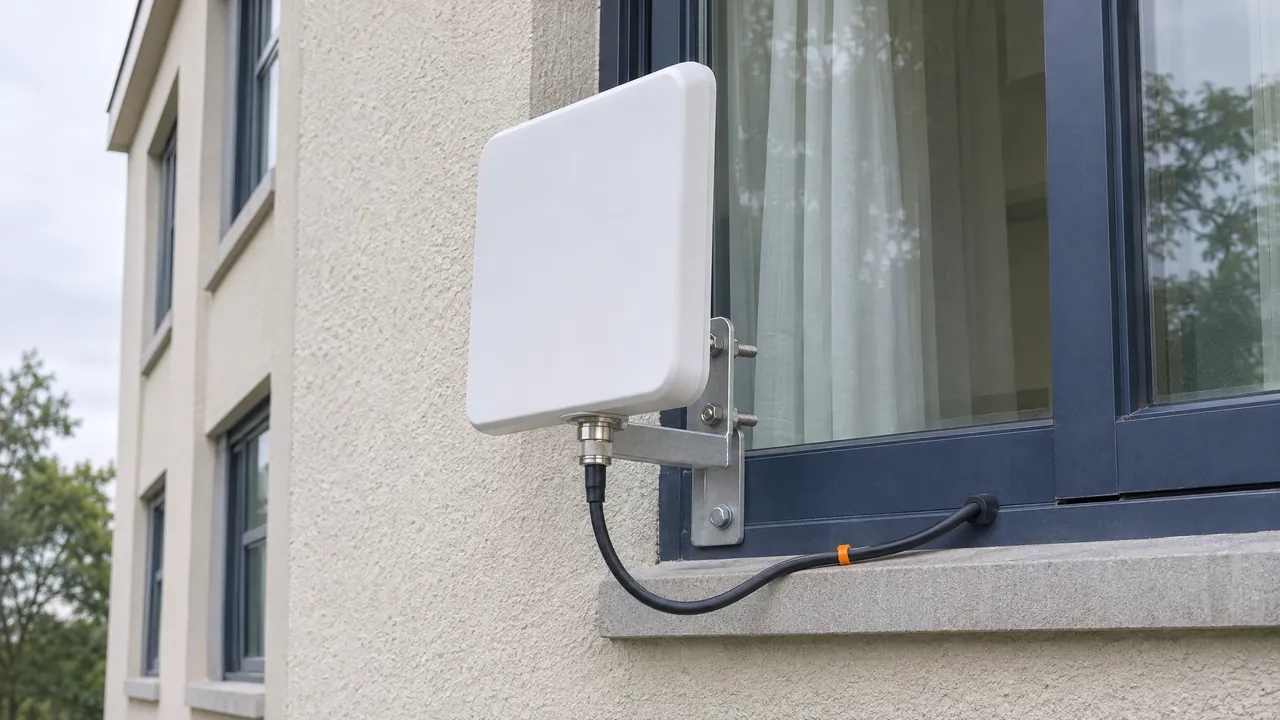
Move toward a window. Lift the phone above waist height. Strip off that armor-plated case if there's metal in it. Some carriers let you manually pick LTE bands, which occasionally helps in fringe spots. Stuck indoors with consistently poor RSRP across several devices? That's your cue to quit blaming your carrier and shop for an external antenna or signal booster instead of waiting on a miracle update. Write down your numbers before and after any fix, because data beats guesswork every single time. Guessing is how people end up believing a tinfoil hat helps.
A parting word before you measure everything
Don't test signal strength while driving, and don't wander onto private property clutching a phone and a mapping app like you're on official business. Beyond that: go forth and measure, responsibly, and enjoy finally understanding what those cryptic numbers on your screen have been trying to tell you all along.